3 June 2026 · Telegram Ban Service · 9 min read
How to delete a Telegram channel, or report an account or channel you don't own
Deleting a Telegram channel means one of two things. If you own it, open the channel's Info screen, tap Edit, then Delete Channel to remove it for every subscriber. If you don't own it, you can't delete it yourself — instead you report the channel or account through Telegram's official routes, and a moderator decides whether it breaks the rules.
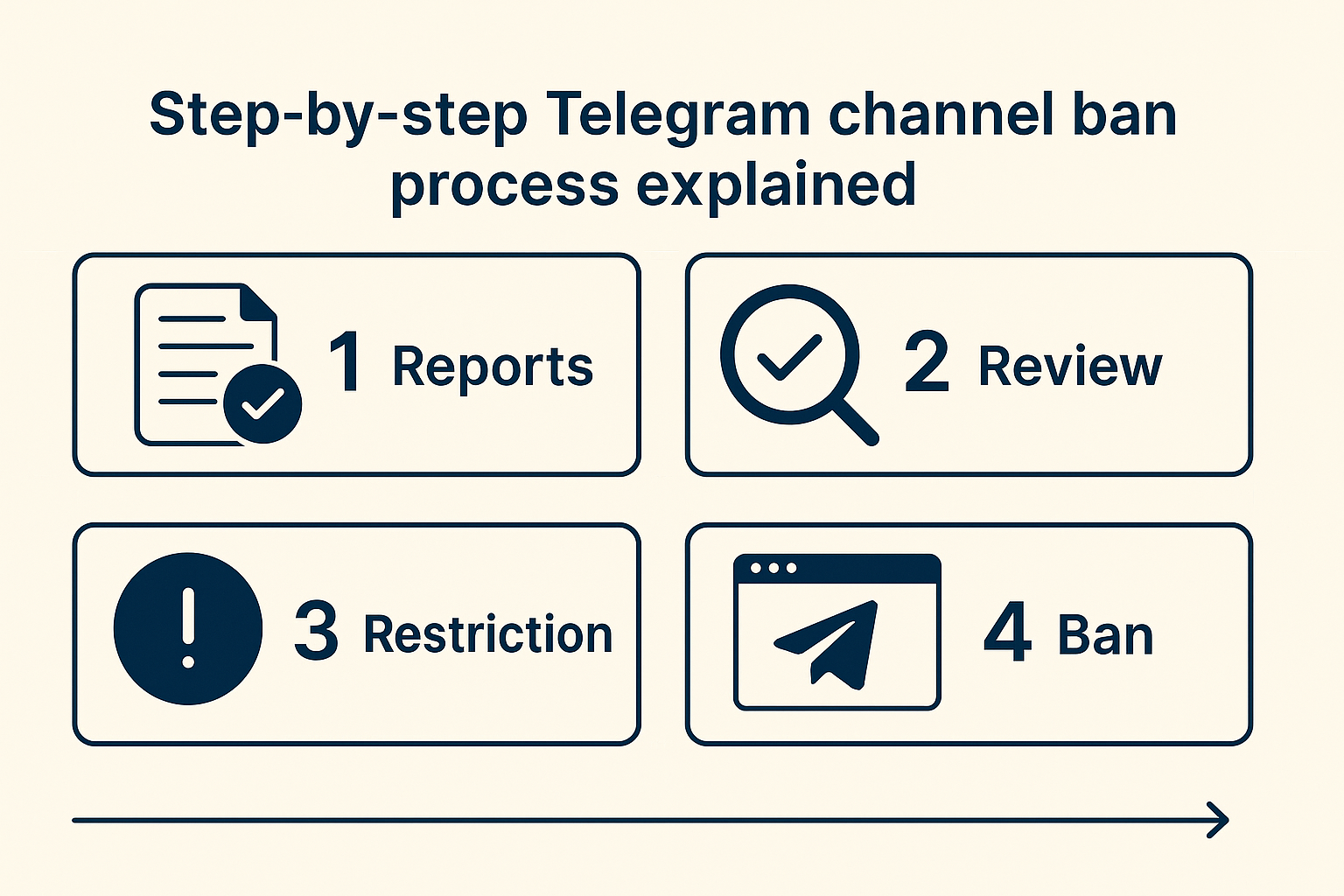
Delete a channel you own, or report one you don't?
Start by deciding which job you actually have, because the two have nothing in common. Deleting a channel is something only its creator can do, and it takes seconds: you control the channel, so you remove it. Getting rid of a channel you don't control is the reverse problem. You have no button, no admin rights and no way to pull it down directly. Your only real lever is to report it to Telegram and show that it breaks a written rule. People search for how to take down a Telegram channel meaning both things at once, so this guide keeps them apart: first the owner's delete flow, then the reporting routes for everything you don't own, from scam channels to impersonation accounts.
How do you delete a Telegram channel you own?
Open the channel, tap its name to reach the Info screen, then use Edit to find the delete option. You have to be the channel's creator, not just an admin, and the action can't be undone:
- Open the channel and tap its title at the top to open Channel Info.
- Tap Edit — the pencil icon on mobile, or Manage Channel on desktop.
- Scroll to the bottom and choose Delete Channel.
- Confirm in the dialog. Telegram warns that this removes the channel for all subscribers at once.
There is no recovery and no quiet grace period, so export anything you want to keep before you tap confirm. Deletion also releases the public @username and t.me link, which means you or somebody else can claim that handle later. If you only want to step away from the channel rather than erase it, leaving it or transferring ownership to another admin is the gentler move.
How to report on Telegram: channels, groups, users and messages
Reporting on Telegram always starts the same way: open the thing that breaks the rules, find Report, and pick the reason that fits. What changes is the surface you're flagging.
| What you're reporting | Where to tap | Typical reason |
|---|---|---|
| A public channel | Channel name → ⋮ / ⋯ → Report | Scam, impersonation, illegal goods |
| A group | Group name → Report, or hold one message → Report | Spam, mass-adds, harassment |
| A user or bot | Profile → Report, or hold their message | Phishing bot, scam account |
| One specific message | Press and hold the message → Report | The single post that breaks a rule |
On Android you tap the message; on iPhone you press and hold; on desktop you right-click. Telegram then asks for a reason such as spam, violence, pornography or child abuse. Anyone can do this — you don't need to be an admin or even a member to report a public channel. Aiming a moderator at one exact message does more than flagging a whole channel with no specifics.
How to report a Telegram account: scammers, hacked accounts and impersonators
For an individual account, match the route to the problem. If you want to report a Telegram account for being a scammer, use the in-app Report button on their profile and message Telegram's official @NoToScam channel, which exists for scam and impersonation cases. For illegal public content, email abuse@telegram.org with the account's @username, a link to the offending posts, and screenshots that show the date. Someone cloning you or your brand is also a @NoToScam case. The hacked situation is different. To report a Telegram account hacked and locked away from you, open Settings → Devices and terminate every other session, request a fresh login code to your number, and switch on two-step verification so the intruder can't walk back in. Warn your contacts it wasn't you, because hijacked accounts are usually used to push the same scam to everyone on the list.
Reporting a Telegram channel for copyright: the DMCA notice
If the problem is stolen content rather than a scam, copyright becomes your lever. To report a Telegram channel for copyright, you send a Telegram DMCA notice to dmca@telegram.org instead of using the in-app button. That notice has to name the original work you own, list the exact t.me message links that copy it, confirm you hold the rights, and add your contact details and signature. Point at the specific infringing posts, not the whole channel, or the request tends to stall. Telegram is based outside the United States, so it treats these as a courtesy rather than a strict legal duty, and a careless or dishonest notice can draw a counterclaim. If you're chasing pirated courses, leaked PDFs or reposted artwork, our walkthrough on filing a Telegram DMCA takedown covers the wording and evidence in full.
Does Telegram actually take down channels?
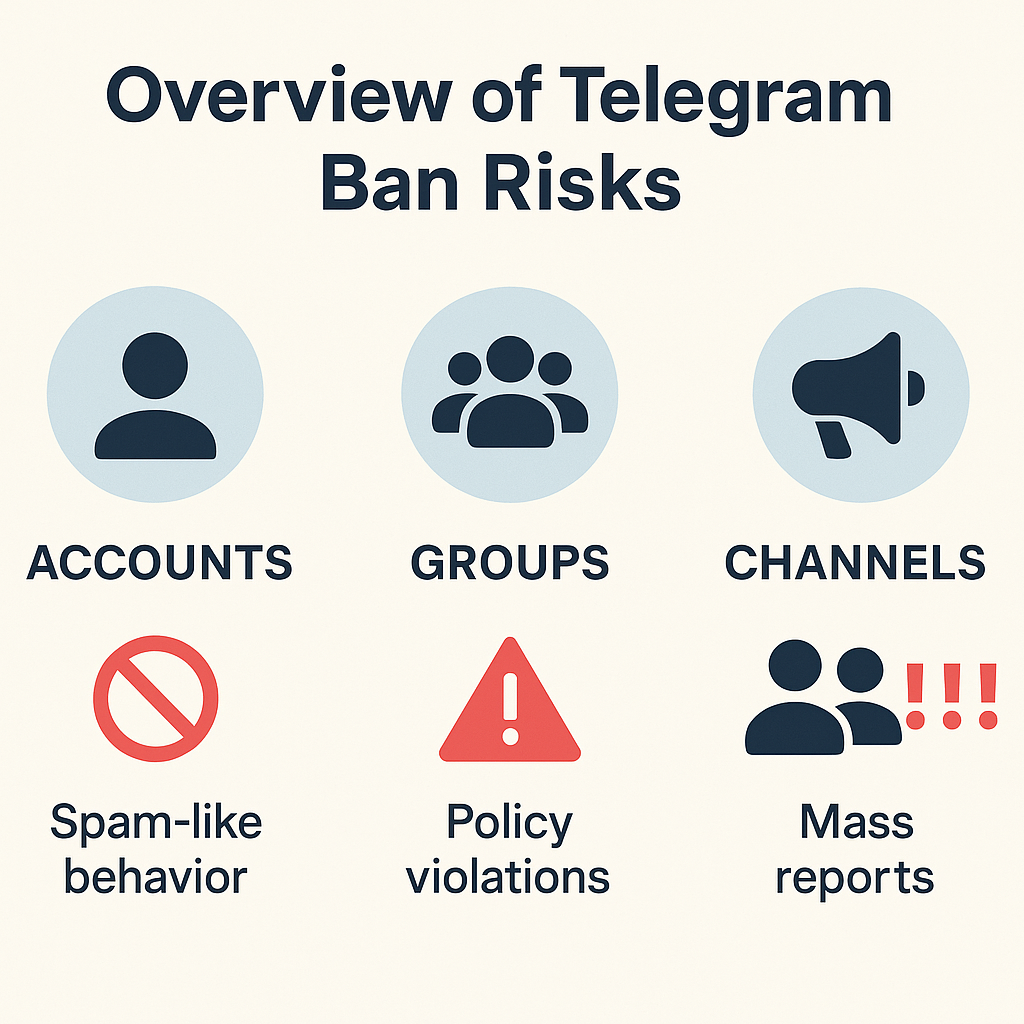
Yes, and at a scale most people underestimate. Security analysts at Check Point Research counted more than 43.5 million Telegram channels and groups blocked during 2025, many of them carding, fraud and hacking communities, after enforcement stepped up sharply when founder Pavel Durov was detained in France in August 2024. So when people ask how to get a Telegram channel banned, the honest answer is that Telegram bans channels constantly, but only for documented rule-breaks a human moderator can confirm. The dividing line is public versus private. Telegram acts on illegal public channels and bots, yet its FAQ is blunt: "Private groups and chats on Telegram are private amongst their participants. We do not process any requests related to them." It also leaves lawful speech alone — "we will not block anybody who peacefully expresses alternative opinions." Knowing where that line sits stops you filing reports Telegram was never going to action.
Do mass report bots and "channel ban services" actually work?
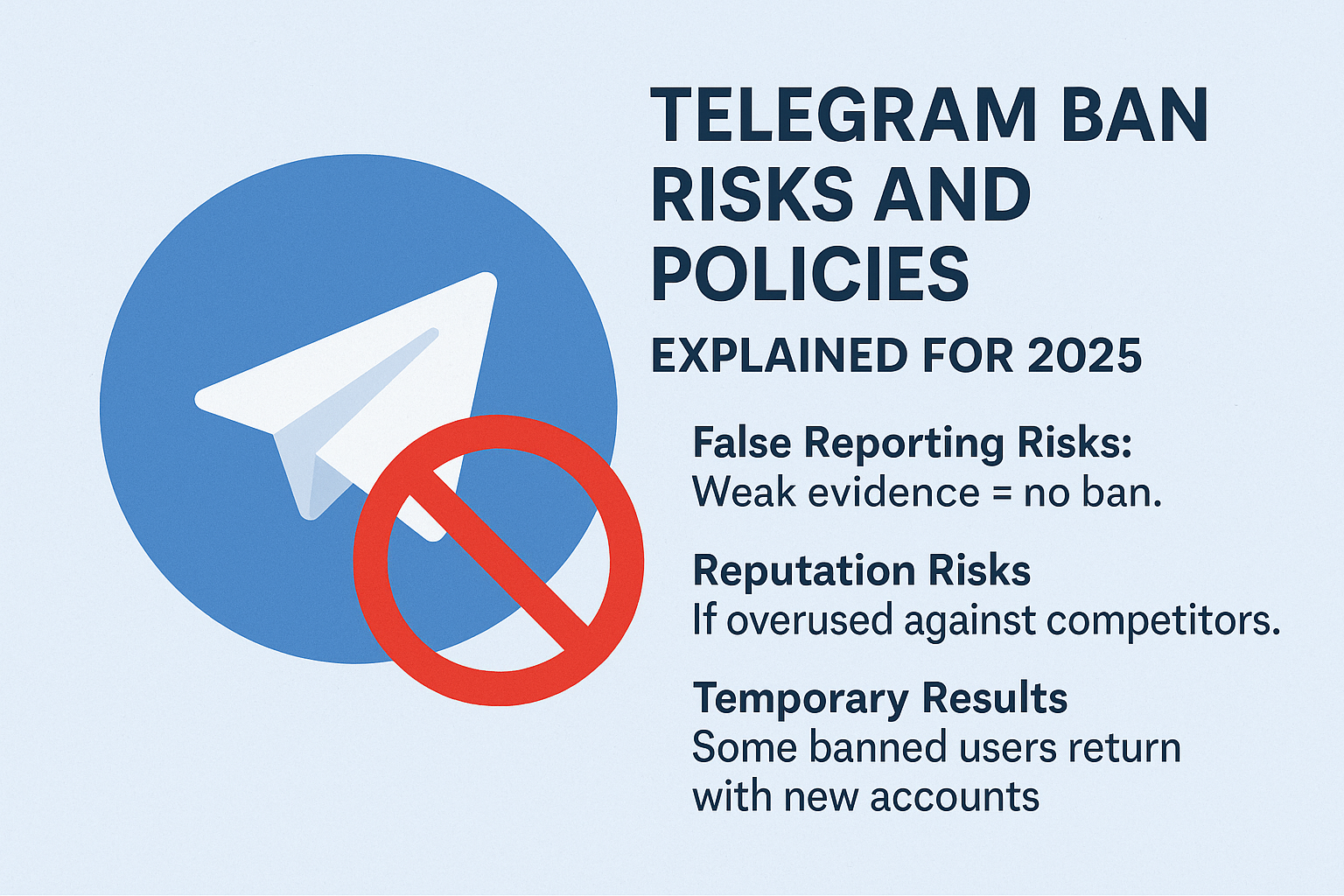
Not the way the adverts promise. A mass report Telegram bot, panel or script sells the idea that firing hundreds of identical complaints will knock a channel offline. Telegram's review is run by human moderators, and its anti-abuse systems are built to spot a sudden burst of copy-paste reports from linked accounts and discount the whole batch. Worse, coordinated false reporting can get the reporting accounts limited, so the tactic turns on the person who buys it. If a paid panel has tempted you, read what a Telegram mass report bot can and can't do before spending anything. A legitimate Telegram channel ban service runs the opposite way: rather than faking volume, it documents a real violation and files one clean, specific report or DMCA notice through official routes — the same thing you would do yourself, done carefully. That's the model behind our channel takedown service and our guide to getting someone banned the right way.
How to ban someone from a Telegram group you run
If you're the admin, you don't report anyone. You remove them yourself, with no moderator and no review involved. Open the member list, tap the person you want gone, and choose Remove or Ban; on most apps you can also tick a box to delete all of their past messages in one pass. To ban someone from a Telegram group for good, use Ban rather than a plain kick, since a kick still lets them rejoin through any invite link. The same panel lets you mute or restrict what a member posts before you reach for a full ban. Keep this separate from everything above: admin tools govern your own community instantly, while reporting to Telegram is how you handle channels and accounts you have no power over. If a removed member keeps coming back with fresh accounts, switch the group to approved members or admin-only invites instead of playing whack-a-mole.
Not sure which route fits, or would rather have it handled for you? Browse our reporting and takedown solutions, send over the details, and our reporting team will build the evidence and file a genuine violation through Telegram's official channels.
Sources
- Telegram FAQ — report routes, abuse@telegram.org, @NoToScam, public-only takedowns, the "alternative opinions" stance
- Telegram Spam FAQ — reports reviewed by human moderators; @SpamBot for your own account limits
- Telegram Moderation — the platform's stated removal of groups and channels that break its rules
- CyberInsider — Check Point Research figure of 43.5M+ channels and groups blocked in 2025
FAQ
Can you report someone on Telegram?
Yes. Anyone can report public content — a channel, group, bot or message — using the in-app Report button, with no admin rights or membership needed. You pick a reason such as spam or scam, and a Telegram moderator reviews it. You can't report a private one-to-one chat for takedown, only public surfaces.
Can you recover a Telegram channel after you delete it?
No. Deleting a channel is permanent and wipes it for every subscriber, with no recovery on Telegram's side. The public @username and t.me link are released afterwards, so they can be claimed again, but the original posts and members are gone. Export anything you need before you confirm the deletion.
How long does Telegram take to act on a reported channel?
There is no official timeframe. Telegram publishes no service-level promise, and outcomes range from a clear scam vanishing within days to a borderline case sitting untouched. Ignore blogs quoting exact 24-to-72-hour figures, as they appear in no Telegram policy. Strong, specific evidence is what speeds a decision.
Does mass reporting a Telegram channel get it banned faster?
No. Telegram's moderators act on confirmed rule-breaks, not on the number of complaints, and its systems discount sudden bursts of identical reports from linked accounts. Coordinated false reporting can even get the reporting accounts limited. One well-documented report beats hundreds of copy-pasted ones.
What's the difference between blocking and reporting on Telegram?
Blocking is private and personal: it stops an account from contacting you but leaves it running for everyone else. Reporting sends the content to Telegram's moderators, who can restrict or remove it platform-wide if it breaks the rules. Block to protect yourself; report to get genuinely abusive content taken down.
Can you get a Telegram account banned for being a scammer?
Yes, if you report it properly. Flag the scammer through the in-app Report button, message @NoToScam, and email abuse@telegram.org with the @username and dated proof. A moderator checks the evidence and limits or bans the account once the fraud is confirmed. Volume doesn't matter; documented proof does.