5 June 2026 · Updated 10 September 2026 · Telegram Ban Service · 12 min read
How to report someone on Telegram: you report what they posted, not the person
Telegram has no button that reports a person. You report something they made: a message, their profile, a group, a channel or a bot. A moderator judges that object against the rules. Open the profile, tap the three-dot menu, choose Report, pick the reason that names the breach, then block.
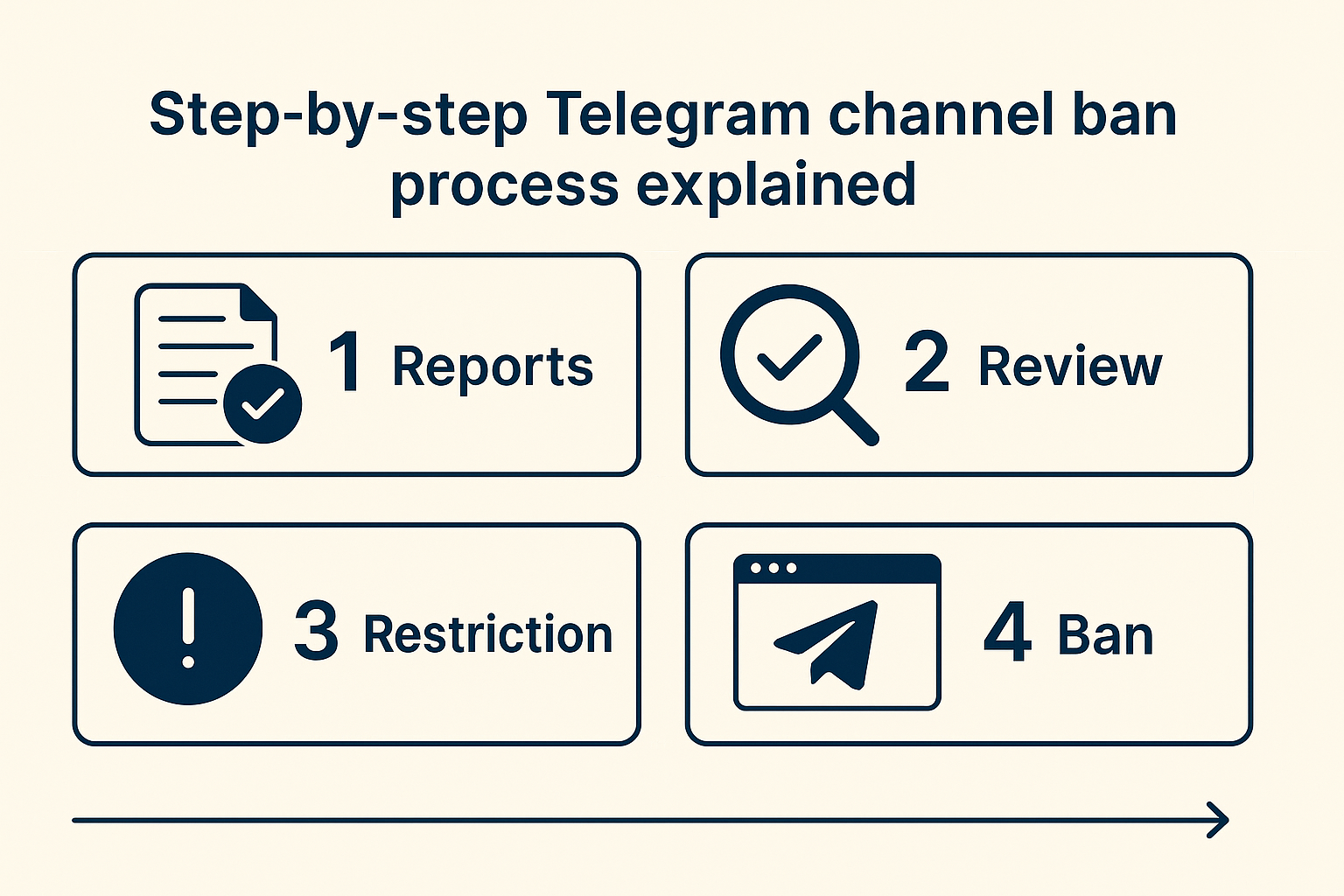
Telegram has no button that reports a person
Search the app for a way to report a human being and you will not find one. Every reporting control in Telegram points at an object: a single message, a profile, a group, a channel, or a bot. A moderator opens that object, compares it to the Terms of Service, and decides. Nobody reviews a person in the abstract.
This is the detail that quietly wrecks most reports. Someone files a complaint that says "this user is a scammer", attaches nothing that resolves to a location inside Telegram, and hears nothing back, then concludes that reporting on Telegram does not work. The report was read. It simply had no object in it. Knowing how to report on Telegram starts with picking which of the five surfaces below carries the evidence, because that choice decides which control you press and what a reviewer is able to confirm.
| What you are reporting | Where the control lives | What the reviewer receives |
|---|---|---|
| A single message | The message itself, via tap, long-press or right-click | That message and your chosen reason |
| A user's whole account | Their profile screen, three-dot menu → Report | The profile plus any messages you tick |
| A group | The group's info screen, or a single post inside it | The group, or that one post |
| A channel | The channel info screen, reachable from a t.me link | The channel and its public posts |
| A bot | The bot's profile, same three-dot menu | The bot's @username and the reason |
Five objects, one principle: point at something a moderator can open. If you are weighing whether the target is even reachable, our guide to reporting a group or channel maps the same question for community surfaces, and reporting a single message covers the narrowest case of all.
How do you report someone on Telegram, step by step?
Reporting a Telegram account takes five taps from an open chat. Work from the profile rather than the chat window, because the profile route lets you attach the specific messages that prove the breach instead of handing over an undifferentiated conversation.
- Open the chat and tap the person's name at the top to reach their profile.
- Tap the three-dot menu (shown as ⋮ or … depending on your app) and choose Report.
- Pick the reason that names what they actually did, not the one that feels worst.
- Tick the individual messages that carry the evidence, so the reviewer opens those first.
- Return to the profile and tap Block User to end the contact.
Screenshot everything before step five. Blocking hides the history, and we have had to send cases back to clients because the only proof attached was an image with the @username cropped out of frame. A screenshot showing the messages but not whose account they came from proves nothing a reviewer can act on. Whether that report then lands is a separate question, answered in our breakdown of what actually triggers a ban.
How to report someone on Telegram on Android, iPhone or desktop
The gesture that opens the Report menu is not the same on every platform, which is why instructions copied between guides so often fail to match what is on your screen. Telegram documents three, verbatim: on Android, "tap the message and select Report from the menu"; on iOS, "press and hold the message"; and on Telegram Desktop, Web or macOS, "right-click the message and select Report." One tap, one long-press, one right-click. Learning how to report someone on Telegram Android-side and then repeating the same motion on a Mac is the most common reason people conclude the button has disappeared.
Can you report a Telegram account instead of one message?
Yes. The profile-level Report covers the account as a whole, and it is the right choice when the problem is a pattern rather than a single post: an account that mass-adds strangers to channels, or one built entirely to impersonate somebody. Reporting a Telegram account this way still travels with whichever messages you tick, so the two routes are less separate than they look.
What you cannot do is report an account you can only name. There is no public form that takes a phone number or a numeric user ID and files a complaint against whoever holds it. Telegram works from an @username or a t.me link, and the practical consequence catches people out constantly: if a scammer contacted you from a number and never set a username, the number alone gives moderators nothing to open. Recovering a usable handle is the first job, and if the account has since vanished behind a rename, our notes on tracing Telegram scammers cover what identifies an account when the handle keeps changing.
How to report a Telegram user on any surface
The same profile route works wherever you met them. A stranger in a group, a bot that messaged you first, a channel admin posting under their own account: each has a profile, and each profile carries the same Report control. What changes is only which messages you can attach.
What if there is no Report button, or they blocked you?
Three different situations produce the same symptom, and they need different answers. Work out which one you are in before assuming the feature is broken.
The chat is gone or you were blocked. No open chat means no in-chat report path. If the account has a username, its public profile is still reachable through search or a t.me link, and the Report control lives there regardless of whether they blocked you. Where no username exists, the fallback is email: send abuse@telegram.org the t.me links, the @username if you ever saw one, and dated screenshots. Reports that arrive by email need to carry their own evidence, because there is no chat for a reviewer to open.
It happened in a private chat. Most guides still ranking for this query state flatly that Telegram will not act on one-to-one conversations. That was true once and has not been since 5 September 2024, when Telegram rewrote the FAQ passage that used to read "All Telegram chats and group chats are private amongst their participants. We do not process any requests related to them." The replacement text says the opposite: "All Telegram apps have 'Report' buttons that let you flag illegal content for our moderators — in just a few taps." Private chats became reportable. The Terms of Service back this up in a way that is easy to read backwards. Four prohibitions are listed, and only two of them, promoting violence and posting illegal pornographic content, are scoped to "publicly viewable" surfaces. Sending spam or scamming users, and the catch-all covering activity "recognized as illegal in the majority of countries", carry no such limit, so private conduct can still breach the terms. The old sentence survives today only inside the copyright section, which is why a DMCA claim still reaches public material only, a distinction our DMCA takedown guide works through in full, and one that also governs which categories belong on the illegal-content routes.
It was a secret chat. Here the wall is real and permanent. Secret chats are end-to-end encrypted and stored on the two devices, so there is no server-side copy for anyone to review. The honest framing is reportable versus unreadable, not public versus private.
A fourth possibility is simply a bug. Telegram's own bug tracker carries an entry titled "'Report' button is missing in bot profile info", so the control has genuinely gone missing on some surfaces. Update the app before deciding the route does not exist.
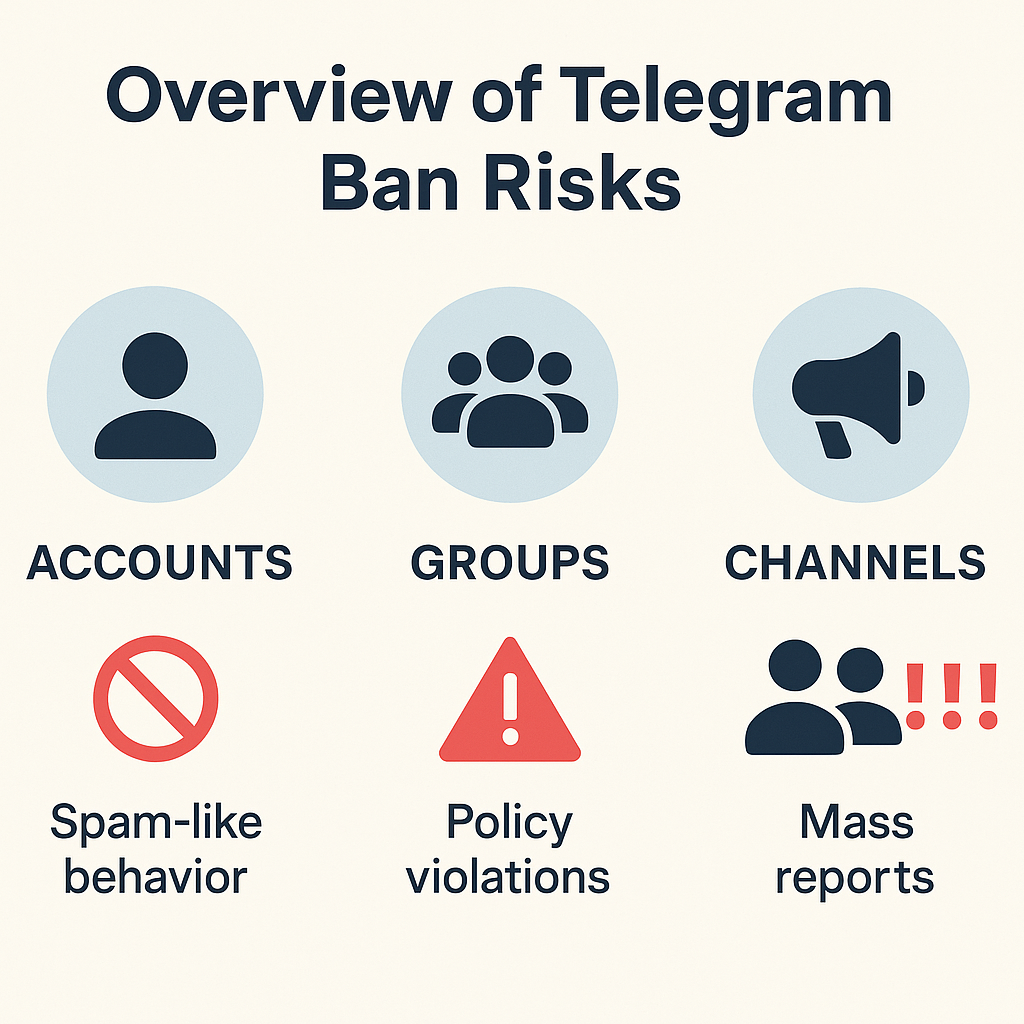
Which reason should you pick, and which route does it unlock?
Pick the reason that describes the conduct, then add the off-app route if the harm has one. The in-app picker offers categories along the lines of Spam, Scam, Violence, Pornography, Child Abuse, Copyright, Illegal Goods, Fake and Personal Details; the exact labels shift between app versions, and Telegram's API documentation lists the same set in its own vocabulary. A precise reason with a link and a dated screenshot gives a moderator something to confirm. A vague flag gives them nothing.
| What happened | Reason to pick | Official route that adds weight | Route people wrongly use |
|---|---|---|---|
| Spam, mass-adds, link floods | Spam | Block as well; report the group that hosts it | @SpamBot, which only appeals your own limit |
| Crypto or investment scam | Scam | abuse@telegram.org with wallet and transaction details | @NoToScam, unless they are impersonating you |
| Phishing bot or credential-stealing link | Scam or Illegal | abuse@telegram.org with the bot's @username | @BotSupport, which helps bot developers |
| Someone impersonating you | Fake | @NoToScam, with links to both profiles | The generic Spam reason |
| Counterfeit goods, stolen data | Illegal Goods | abuse@telegram.org with the t.me link | A copyright claim, which is a different desk |
| Your own work reposted | Copyright | dmca@telegram.org as the rights holder | The in-app abuse report on its own |
| Threats, blackmail, child safety | Violence or Child Abuse | Police; stopCA@telegram.org for abuse material | Waiting for Telegram before contacting police |
That fourth column matters more than the others. @BotSupport exists to help people building bots and will do nothing with an abuse complaint. @SpamBot appeals a restriction on your own account and reports nobody. And @NoToScam is narrower than almost every guide claims: Telegram's FAQ scopes it to one situation, "If a scammer is pretending to be you." General fraud does not belong there — it belongs in the in-app report, backed by a fraud filing where money changed hands, or an extortion and counterfeit-seller case where the pattern fits. Send a case to the wrong bot and the clock simply restarts.
If you report someone on Telegram, will they know?
No. Telegram sends the reported account no notification and shows it no name, so the person cannot look up who flagged them. That is the answer, and it holds for channels and groups too.
Anonymous and invisible are not the same thing, though, and the gap is where people get caught. In a one-to-one chat the other party can often work it out by elimination, because you may be the only person who saw the message. Email routes carry your address by design, so a complaint to abuse@telegram.org is not anonymous to the person handling it. Screenshots leak your own @username if you photograph the chat header, which is worth cropping before you attach anything. And there is a visible outcome even when there is no notification: enough confirmed reports against a scam account surface a red SCAM or FAKE label on its public profile, which the holder notices immediately. Telegram's API documentation describes the second flag as marking an account "reported by many users as a fake or scam user". Our page on whether Telegram reports stay private takes the anonymity question further.
What happens after you report, and how long it takes
Telegram publishes no review deadline and no report threshold. Both numbers circulating online were invented by the sites publishing them, and the two you will meet most often are "24 to 48 hours" for a decision and "5 to 7 reports" for a ban. Neither appears in any Telegram document.
What is documented is the shape of the outcome. A confirmed breach usually produces a limit rather than a deletion, and the Spam FAQ describes a limited account plainly: it "can send messages to people who have their number saved as a contact", and the holder can "always reply to anyone who messages you first". Severe categories escalate faster than spam, and the gap is visible in Telegram's own numbers: alongside 25.2 million communities blocked during 2026, its safety page separately counted 399,273 CSAM-related and 174,980 terrorist-related communities removed in the same period. Volume does not help, and a burst of identical complaints from linked accounts reads as coordinated abuse and gets discounted, which is exactly why a mass report bot cannot deliver what it advertises and why the question of how many reports ban a channel has no numeric answer.
For a realistic sense of timing, the only honest public anchor comes from outside Telegram. Researchers at Louisiana State University and UT Arlington reported 1,101 piracy channels through Telegram's own routes; TorrentFreak recorded on 16 August 2026 that 524 of them had become inaccessible within two weeks, and that 524 channels plus 71 bots came down across a 61-day window. Just under half, in other words, with automated detection doing the flagging. The moderation volume is real too: Telegram's safety page showed 25,197,891 groups and channels blocked during 2026 when we checked it on 10 September 2026, a live counter that resets each January. Alongside it sits a contrast worth knowing: four vetted child-protection organisations had 16,965 items blocked between July and December 2025, a published figure of the kind no individual report ever receives. None of that volume came from a report counter. If you would rather not run the escalation yourself, that is what a Telegram report service does, and where a whole community is the problem, taking down a channel and removing an account follow different paths.
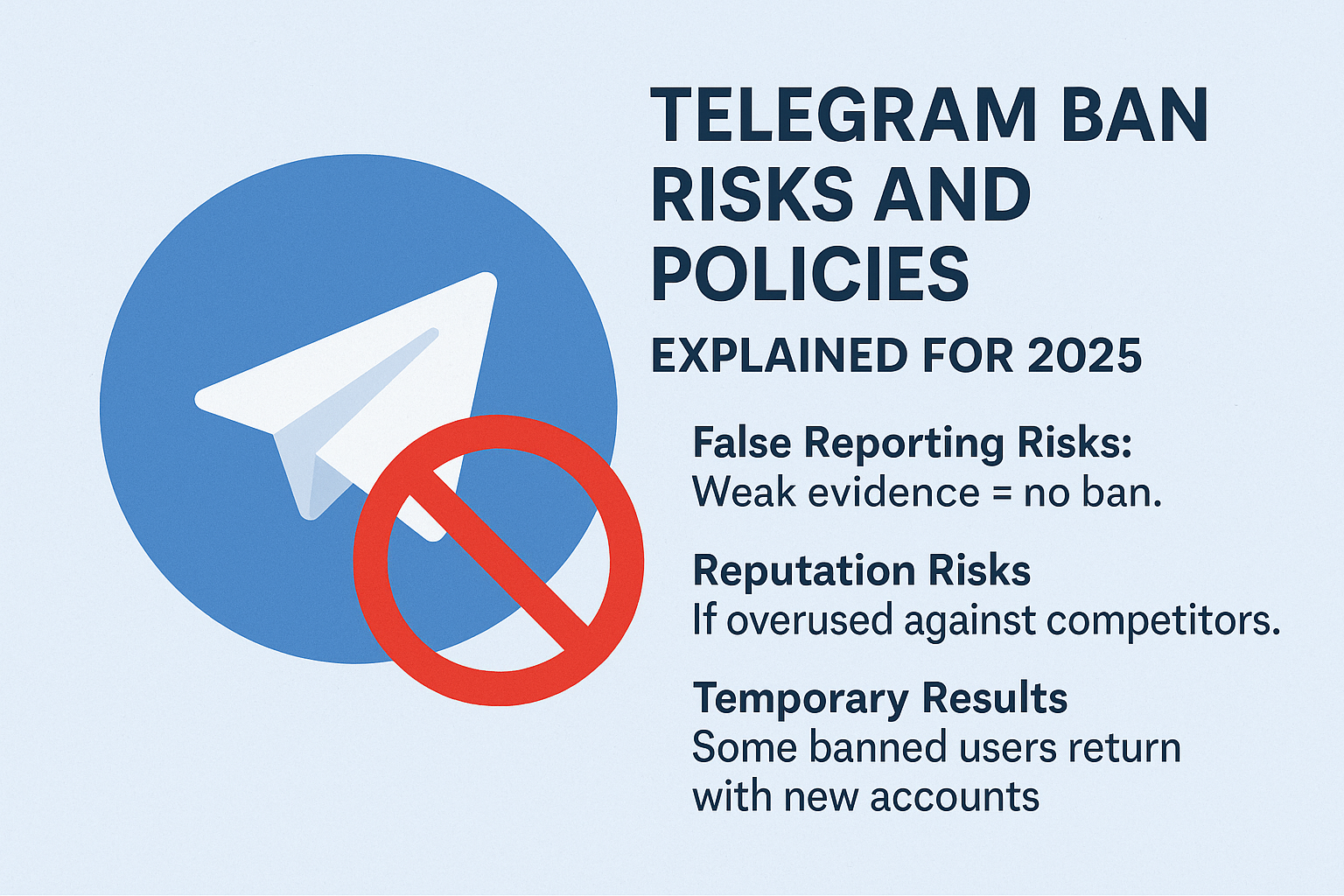
How do you remove a Telegram report?
This question splits in two, and the two halves have opposite answers. Almost everyone asking it means the second.
Withdrawing a report you filed: there is no route. Telegram documents no cancel, undo or retraction step, and once the content reaches the moderation queue the decision sits with a reviewer. Unblocking the account afterwards changes what you can see, not what was filed.
Clearing a restriction other people's reports caused you: this one has an official answer. If your account is limited, the Spam FAQ points you to @SpamBot, which exists for precisely this and nothing else. If the restriction is heavier, Telegram calls the state frozen: "While frozen, you can still read your chats, but you cannot send messages or post content," and an appeal button sits inside the app. Telegram's April 2025 release notes confirm a frozen account can "submit an appeal for our moderators to review", and that a successful appeal unfreezes it.
- Read what triggered it. The Spam FAQ is blunt about the usual cause: "People usually don't like it when strangers contact them — so they will report you if they find your messages annoying."
- Open @SpamBot from a limited account, or use the in-app appeal button if the account is frozen.
- Submit once and wait. Telegram's answer to asking for early release is verbatim: "We're sorry, but this is impossible."
- Expect the limit to expire on its own. The FAQ says a first offence means "your account will be limited for a few days or so", with "repeated offences will result in longer periods".
Two remedies circulating for this are worth ignoring. Emailing spam@telegram.org appears on several guides; the address Telegram actually documents for appeals is the @SpamBot route above. And the advice to have ten people send you messages or stickers daily for a week to lift a limit has no basis in anything Telegram has published — it also runs directly into that verbatim refusal to release accounts early.
So do the small things properly and skip the loud ones. Capture the @username and t.me link before you block, report the object rather than the person, pick the reason that matches the conduct, and file once. Then take any real-world crime to the police in parallel rather than waiting on a platform decision. The FBI's IC3 logged 1,008,597 complaints and $20.877 billion in reported losses during 2025, so the authorities handling this are not short of precedent. If the case is bigger than one chat, bring it to us — our reporting desk builds the evidence file and files it through Telegram's official routes, and you can see every route we cover across the Telegram reporting guides. Where a channel keeps rebuilding itself, deleting a channel you control, reporting spam correctly and removing deepfake bots each have their own filing route.
Sources
- Telegram FAQ: the three per-device Report gestures, @NoToScam scoped to impersonation of you, frozen accounts and the in-app appeal (retrieved 10 Sep 2026)
- Telegram Spam FAQ: what a limited account keeps, "a few days or so", @SpamBot, and the verbatim refusal to release accounts early (retrieved 10 Sep 2026)
- Telegram Terms of Service: the four prohibitions and the temporary-or-permanent ban clause
- Telegram Safety: live 2026 moderation counters, 25,197,891 groups and channels blocked as at 10 Sep 2026
- Telegram release notes, 30 April 2025: frozen accounts can submit an appeal for moderator review
- TechCrunch, 5 September 2024: the FAQ rewrite that removed "we do not process any requests" for private chats
- TorrentFreak, 16 August 2026: 524 of 1,101 reported channels inaccessible within two weeks; 524 channels and 71 bots over 61 days (LSU / UT Arlington study)
- FBI Internet Crime Complaint Center: report cybercrime, including cross-border cases
- Report Fraud (UK): the service that replaced Action Fraud in December 2025
FAQ
Do you need a Telegram account to report someone?
For the in-app route, yes — the Report control only exists inside the app, so you need to be signed in to reach it. The email routes do not require one. Sending abuse@telegram.org a t.me link with dated screenshots works whether or not you hold an account, which matters if you deleted yours to escape the harassment in the first place.
Can you report someone on Telegram who has already blocked you?
Yes, provided they have a username. Blocking stops them reaching you and you reaching them, but it does not hide their public profile, and the Report control on that profile keeps working. Search the @username or open a t.me link to get there. If they never set a username, email the evidence instead.
Can you take back a report once it is submitted?
No. Telegram documents no way to cancel, withdraw or edit a report after it is sent, and no third-party route exists either. The messages are already in the moderation queue and a reviewer decides from there. Unblocking the account changes what you see, not what was filed.
Why is the Report button missing on some Telegram profiles?
Usually because you reached the profile in a way that does not expose it, or because the app needs updating. Telegram's own bug tracker carries an entry for a missing Report button on bot profiles, so it is not always user error. Update first, then reach the profile from the chat header rather than from a forwarded message.
Does reporting someone to a group's admins do the same thing?
No. Telling a group's admins gets a message deleted or a member removed from that one group; reporting to Telegram sends the content to platform moderators, who can act on the account everywhere. Both are worth doing when the abuse is happening inside a community you belong to.
Can you report a Telegram account using only a phone number?
No. There is no public form that accepts a phone number or a numeric user ID and files a report against whoever holds it. Telegram works from an @username or a t.me link. If all you have is a number, the first task is recovering a handle you can actually point at — the number alone gives a moderator nothing to open.
How long does a Telegram limit last if you were reported?
Telegram publishes no fixed term, and the Spam FAQ puts a first offence at "a few days or so", with "repeated offences will result in longer periods". Appeals go through @SpamBot, or the in-app button when the account is frozen. Asking to be let out early gets a flat refusal, quoted further up this page.
Is it a problem to report the same account more than once?
Reporting genuinely new violations as they appear is fine, and necessary when a scammer keeps changing usernames. Firing the same complaint repeatedly is not — repeated identical reports from one account, or a coordinated burst from several, is the pattern anti-abuse systems discount. File once per violation, with evidence, and let it sit.