8 September 2026 · Telegram Ban Service · 10 min read
Report spam on Telegram: the six controls, and the three that file a report
Telegram spreads spam handling across six controls, and only three file a report: REPORT SPAM in a new chat's preview bar, Report on any message, and REPORT SPAM AND LEAVE in a group. Blocking hides the sender from you, and @SpamBot only appeals a limit on your own account.
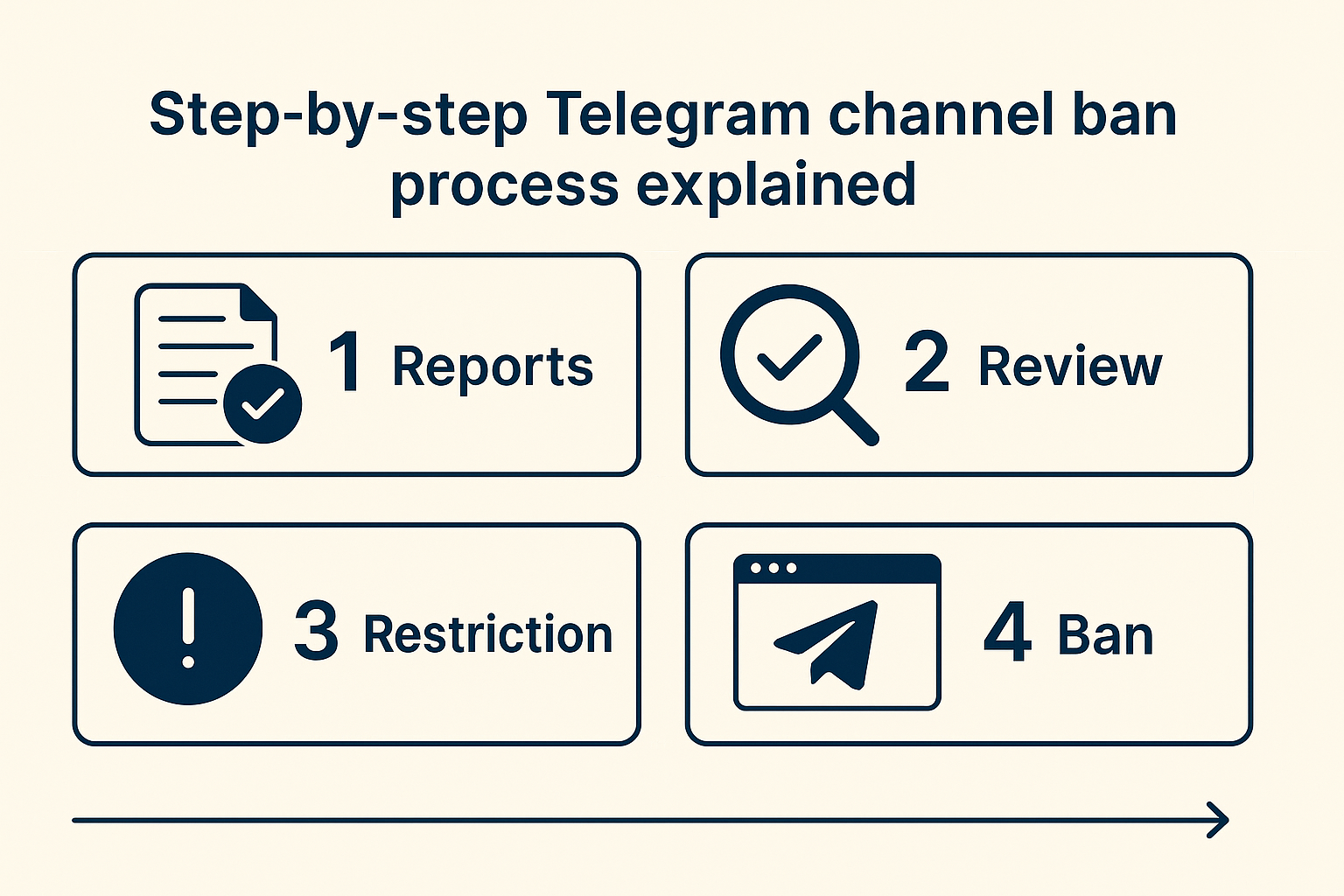
Six Telegram controls answer to the word spam, and three of them file a report
The reason so many people believe reporting does nothing is that they pressed something else. Spam handling sits in four places at once: the preview bar, the message menu, group settings and a bot. None of the labels announces which one reaches a human. Three send content to moderators. The other three change what you see, what your group deletes, or the status of your own account.
| Control | Where it appears | What it actually does | Reaches a moderator |
|---|---|---|---|
| REPORT SPAM | Preview bar at the top of a first message from someone outside your contacts | Forwards those messages to Telegram's moderation team | Yes |
| BLOCK USER | The same preview bar, beside REPORT SPAM | Cuts that account off from messaging or calling you | No |
| Report, then a reason | Any message, on any surface, including groups and channels you have joined | Sends the selected content plus your chosen reason for review | Yes |
| REPORT SPAM AND LEAVE | Preview bar of a group or channel you were added to | Files the report and removes you from the chat in one action | Yes |
| Aggressive Anti-Spam | Group settings, for admins of groups over 200 members | Lets Telegram's filters delete suspected spam inside that group | No, it deletes instead of reporting |
| @SpamBot | A chat you open yourself | Appeals a limit already applied to your own account | No |
Those first two buttons sit side by side and look identical. Telegram Ban Service checked those labels against Telegram's own translation platform rather than trust a screenshot, and the naming underneath is worse than the surface suggests: the button that reads BLOCK USER is stored under the key ReportSpamUser, while the neighbouring REPORT SPAM button is stored as ReportSpam. Only one of them files anything. Press REPORT SPAM and Telegram asks you to confirm with "Are you sure you want to report spam from this user?" — press BLOCK USER and nothing is confirmed, because nothing is being sent anywhere.
The distinction matters most in the case people actually face, which is a stranger's first message. Block it and the account moves on to the next number in its list untouched. Report it and the messages join a review queue. For anything beyond ordinary nuisance messaging, our guide to reporting abuse maps the harsher categories, and reporting a group or channel covers the surfaces this page treats only in passing.
How do you report spam on Telegram, step by step?
Pick one message that shows the problem clearly, then report that message rather than the account in the abstract. One instruction covers every client, published verbatim on the moderation page: "tap it on Android, hold it on iOS, or right-click it on Desktop or Web, then select 'Report.'" The rest is choosing a reason and confirming.
- Open the chat and choose your evidence. One message carrying the scam link, the bulk advertisement or the repeated flood is stronger than a vague complaint about the whole conversation.
- Use your platform's gesture. Tap on Android, press and hold on iOS, right-click on Desktop or Web, then select Report.
- Pick the reason that matches what happened. Spam is the right label for bulk and unsolicited messaging. A fake shop, a stolen identity or a drug listing each has its own category, and the wrong label sends the case to the wrong reviewer.
- Confirm, then stop. Filing the same complaint repeatedly from one account adds duplicates to a queue, not weight to a decision.
How do you report a Telegram spam user in one tap?
For a first message from a non-contact, the shortcut is already on screen. That preview bar carries REPORT SPAM, so the whole of how to report spam on Telegram in that situation is two taps and a confirmation dialog. In a group you were dragged into, the equivalent shortcut is Telegram report spam and leave, which files and exits together. Telegram Ban Service files these same reports for clients whose case runs across several channels at once, and what a Telegram report service can and cannot promise is set out separately.
Telegram spam bot points at three unrelated things
Search for a Telegram spam bot and three different objects share the name. The first is the nuisance itself: automated accounts blasting identical messages, which you report using the steps above. The second is a Telegram anti spam bot, meaning a third-party guard such as Shieldy, Combot or Rose that an admin adds to police a group. The third is @SpamBot, which belongs to Telegram and does neither job. A fourth kind falls outside this page altogether: bots built to generate non-consensual imagery are not a spam problem, and deepfake Telegram bots take a harsher route.
That third one produces a genuinely harmful error. One of the pages ranking near the top for this query tells readers that @SpamBot handles spam reports and to forward the offending message there. Telegram's own documentation says the opposite in a single sentence: "If you are sure that the limit was wrongfully applied to your account, please contact our @SpamBot." It is an appeals channel for people whose accounts have already been restricted. Forward a scammer's messages to it and you have reported nobody, which is one route by which a Telegram report spam bot search ends in a report that was never filed.
Tools promising to file at volume deserve the same scepticism, for reasons set out in full on mass report bots and in the numbers behind how many reports ban a channel. Telegram Ban Service turns those requests down: coordinated flooding is itself a Terms of Service problem, and it gets discounted rather than counted.
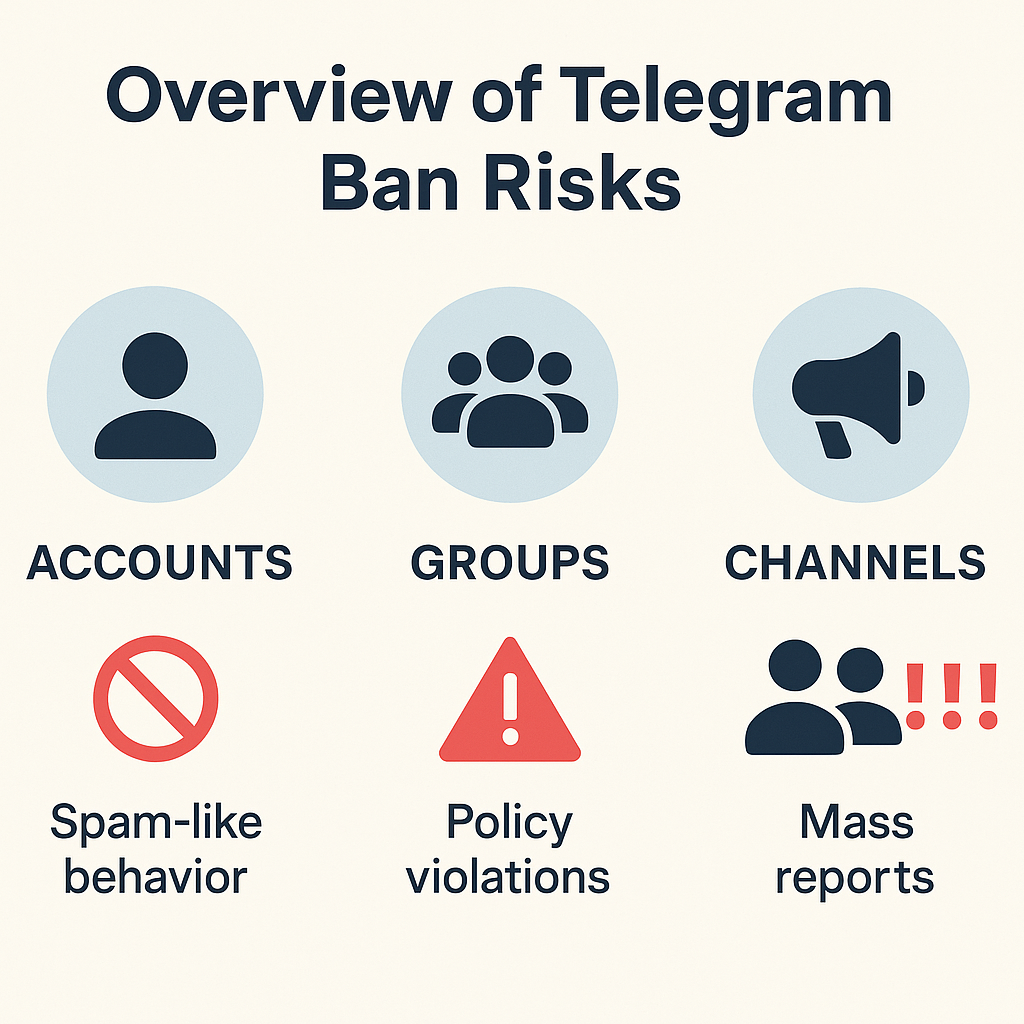
How do you stop spam on Telegram before you have to report it?
Reporting is a reaction. Under Privacy and Security sit the settings that decide whether Telegram spam messages reach you at all, and restricting who can add you to groups removes the single largest source of unsolicited traffic. Tightening who may see your number and who can call you closes the rest. This is the part of how to stop spam on Telegram that no report can do for you. Verifying a stranger before you reply is harder than it looks, and what a Telegram scammer list can and cannot tell you is worth reading first.
What counts as Telegram spam messages?
Bulk, unsolicited and repetitive: advertising blasted at strangers, identical text pasted across groups, and the opening line of a scam approach.
Group admins get a stronger instrument. Aggressive Anti-Spam arrived on 6 December 2022, announced with the line that "admins of groups with over 200 members can choose to unleash the full proactive power of Telegram's own algorithms — turning on the new Aggressive mode for the automated spam filters", with false positives reportable from the Recent Actions tab. Worth knowing before you plan around it: Telegram's API documentation treats that threshold as a client configuration value named telegram_antispam_group_size_min rather than a fixed rule, so the widely quoted 200 is a default that can move. That same documentation notes the native filter needs no admin rights in the group to work. A Telegram spam group left with default settings is running none of this.
How good is the built-in Telegram spam filter?
The native Telegram spam filter and a third-party guard bot solve different halves of the problem, which is why large communities run both. Telegram's filter judges messages after they are posted. A guard bot works at the door, gating new joins behind a captcha. Neither removes the offending account from Telegram, and that limit is the reason reporting still matters: only a moderator can act on the account itself, whether the outcome is a Telegram spam ban or nothing at all.
What happens when you report spam on Telegram?
Your report enters a review queue and you hear nothing back. Its Privacy Policy, last updated on 21 August 2026, states the mechanism plainly: "To prevent phishing, spam and other kinds of abuse and violations of Telegram's Terms of Service, our moderators may check messages that were reported to them by their recipients." The Spam FAQ adds that pressing the button means users "forward these messages to our team of moderators for review". A human decides, and no receipt, status page or verdict is sent to you.
The scale is public even though your individual case is not. Moderation figures showed 24,954,438 groups and channels blocked so far in 2026 when we checked on 7 September 2026, including 394,655 tied to child sexual abuse material and 173,437 terrorist communities. That counter runs live and resets each January, so it is a year-to-date figure rather than an annual total.
One asymmetry explains that silence better than anything else. Vetted child-protection organisations get published totals: 16,965 pieces of content blocked between July and December 2025 through four of them, including 13,839 flagged by Stichting Offlimits and 1,091 by the National Center for Missing & Exploited Children. No equivalent figure is published for an individual spam report, so the missing receipt reflects how the queue is built rather than whether anyone read your case.
When a report lands, the usual outcome is a limit rather than a deletion. A limited account keeps more than people expect. Per the Spam FAQ it "can send messages to people who have their number saved as a contact", and the holder can "always reply to anyone who messages you first". Severe categories escalate faster, and cases involving impersonation, fraud or stolen work belong on dedicated routes rather than a spam flag — fraud reports, DMCA notices and extortion and counterfeit-seller cases each have their own, while anything outright unlawful rather than merely unwanted follows the illegal-content route. Whether reports stay private is covered on reporting a message.
Telegram Ban Service prepares and escalates cases through these same official routes, and the platform makes every final decision. Where a spam operation runs an entire channel, the work shifts to taking the channel down or a full account takedown; a channel you own yourself is a different task again, covered under deleting a channel. Our reporting desk is described on the home page, alongside the boundary we hold to: a report is filed only where a rule is genuinely broken, which is also why we decline the requests described in getting someone banned.
So route by outcome, not by vocabulary. If you want the messages to stop reaching you, block. If you want the account examined, report the message and pick the accurate reason. If your own account is the one that got limited, open @SpamBot and appeal it there. Send us the link through the contact page if the case is bigger than one chat, and browse the rest of the Telegram reporting guides for the route that fits.
Sources
- Spam FAQ (telegram.org): what pressing Report Spam does, what a limited account keeps, @SpamBot as an appeals channel (retrieved 7 Sep 2026)
- Moderation page: per-device report gesture and the live 2026 block counter (retrieved 7 Sep 2026)
- Telegram Safety: trusted-flagger blocking totals for July–December 2025 (retrieved 8 Sep 2026)
- Privacy Policy (updated 21 August 2026): moderators may check reported messages
- Official blog, 6 December 2022: Aggressive Anti-Spam for groups over 200 members
- API documentation: native antispam, the telegram_antispam_group_size_min config value and false-positive reporting
- Translations platform: the English source strings for REPORT SPAM, BLOCK USER and REPORT SPAM AND LEAVE
FAQ
Is @SpamBot where you send a Telegram spam report?
No, and this is the most repeated error on the topic. The Spam FAQ describes @SpamBot for one purpose: "If you are sure that the limit was wrongfully applied to your account, please contact our @SpamBot." It handles appeals about your own account. Forwarding a stranger's messages there reports nobody.
What does REPORT SPAM AND LEAVE do that simply leaving a group does not?
Leaving removes you and tells Telegram nothing. REPORT SPAM AND LEAVE does both jobs in a single tap. The report still reaches a moderator after you are gone, which is the entire point of the combined button. Use it whenever you were added to a scam group without consent.
Will the sender find out that you reported them for spam?
Telegram sends the reported account no notification and shows it no name. In a one-to-one chat the sender can still infer it, since you may be the only person they messaged. Email routes such as abuse@telegram.org carry your own address by design.
Can you undo a spam report on Telegram?
There is no withdraw button, and Telegram publishes no retraction route for a report you regret. Once the messages reach the moderation queue the decision belongs to a reviewer, and unblocking the account afterwards changes what you see rather than what was filed.
Why was my own account limited for spam?
Enough recipients pressed report, or the automated filters matched your sending pattern. The Spam FAQ is written for exactly this reader and states that limited accounts "can send messages to people who have their number saved as a contact" and can always reply to anyone who messages first. Appeal through @SpamBot.
Does a group still need an anti spam bot once Aggressive Anti-Spam is on?
Often yes, because the two do different jobs. The native filter deletes messages it judges to be spam. Third-party guard bots handle joins instead, gating new members behind a captcha before they ever post. Admins running large public groups usually keep both.
How many spam reports does it take to ban a Telegram account?
Telegram publishes no threshold, and the counts circulating online trace back to vendor blogs rather than any Telegram document. Severity and evidence decide the outcome. One well-documented report of a clear Terms of Service breach outperforms a hundred empty flags.
What is the difference between blocking and reporting on Telegram?
Blocking is private housekeeping: it stops that account reaching you and tells Telegram nothing. Reporting sends the messages to moderators, who can act against the account for everyone, which is why the two buttons sit side by side and do opposite jobs.