18 September 2026 · Telegram Ban Service · 16 min read
How to report a Telegram bot, and why a phone number gets banned
Telegram bans objects rather than people. You report a Telegram bot from its profile, exactly as you would any account, and email abuse@telegram.org with the link. A banned phone number is a separate problem: registration is refused before an account exists, and Telegram's own error string points you at login@telegram.org.
Telegram bans objects, and a person is not one of them
There is no control anywhere in Telegram that bans a human being. Every enforcement action lands on a thing with an identifier: an account, a bot, a public channel, a public group, or the single message you tapped. That sounds pedantic until you notice it is the reason two completely different readers arrive at the same page. One of them wants to know why their own number stopped working. The other wants somebody else's bot removed.
Both questions are answerable, and they have almost nothing in common except the word ban. Below is the map. Read the row for the object you are actually dealing with, because the route, the decision-maker and the realistic outcome all change between rows, and most guides on this topic blur at least two of them together.
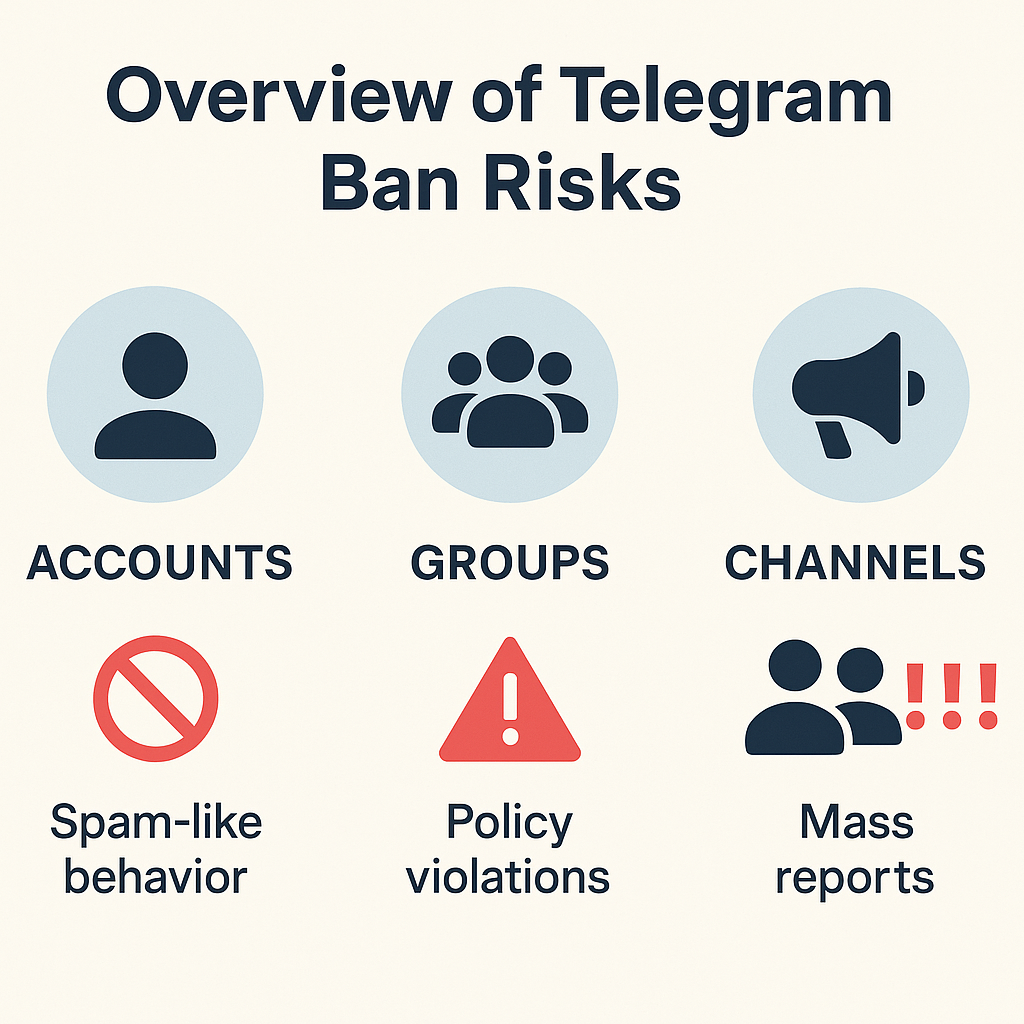
| Object | What a ban on it means | Who decides | What it does not do |
|---|---|---|---|
| Phone number | Registration and login are refused before an account exists | Telegram, automatically at signup | Does not delete content the number once posted |
| Account | The account is removed or restricted from messaging | Telegram moderators | Does not touch the operator's other accounts |
| Bot | The bot username stops responding | Telegram moderators | Does not revoke the developer's ability to make another |
| Public channel | The channel is blocked or restricted on some platforms | Telegram moderators | Does not delete copies already forwarded elsewhere |
| Public group | The group is blocked, or its owner is restricted | Telegram moderators | Does not stop the owner creating a replacement |
| A member of your group | That one person loses rights in that one chat | You, as admin | Does not affect them anywhere else on Telegram |
The last row is where the confusion concentrates. People search how to ban someone from telegram meaning the admin action, get advice about the Report button, and end up disappointed by both. If you want the reverse case, where a report is genuinely the right instrument against another user, every official route for reporting someone sets out what each one reaches. And if your goal is a platform-side removal rather than a local one, the honest limits are in our page on getting an account banned.
What does "this phone number is banned" actually mean?
It means registration was refused at the number layer, before any account existed. Two of its own client strings say so. The Android login string filed under BannedPhoneNumber reads simply "This phone number is banned." The Android X error string error_PHONE_NUMBER_BANNED goes further and names the contact address: "Sorry, this phone number is banned. Contact us at login@telegram.org if you need help."
That second string matters more than it looks. Almost every third-party guide on a banned telegram number sends readers to a different address, usually recover@telegram.org or abuse@telegram.org. Telegram's own interface, in the moment the ban is shown, names login@telegram.org. Those strings are published openly on Telegram's translation platform, which is also why the query surfaces them directly rather than surfacing a blog.
Most of the traffic behind telegram phone number banned is somebody locked out of their own account, not somebody trying to get a stranger's number blocked. So the useful question is not how a number gets banned but what the ban attaches to, and Telegram answers that in its Spam FAQ: "Some numbers may trigger an overly harsh response from our system, either due to their previous owners' activities or due to them being certain virtual/VOIP numbers." A recycled SIM inherits a stranger's history. That single sentence explains the large share of complaints from people who genuinely did nothing.
A telegram account ban and a limited account are separate states
A limitation is not a ban. Telegram describes the ordinary case plainly: "If this happened to you for the first time (and you are not an industrial scale spammer), most likely your account will be limited for a few days or so." Limits are appealed through @SpamBot, and asking for an early release has a documented answer that people keep hoping to argue with: "We're sorry, but this is impossible."
Worth stating clearly, because the top-ranking pages on this query mostly do not: no Telegram document says a banned number is dead forever. Pages that assert permanence cite nothing. The documented position is an appeal address and an appeal, which is a weaker promise than "it's gone" but has the advantage of being true. If the account behind the number held content you now need removed, that is a different job again, covered in account takedown.
How do you report a Telegram bot when the FAQ never names one?
You report it exactly as you would report any account, from the bot's own profile. No section headed "reporting bots" exists in Telegram's FAQ, which is why so many people conclude no route exists and go looking for a support address instead. That route does exist; it is simply not labelled.
- Open the bot's profile from the chat header, not from inside the conversation.
- Choose Report, then the reason that matches what the bot is doing.
- Add a comment naming the specific behaviour rather than describing it generally.
- Email abuse@telegram.org with the @username or t.me link. Telegram's FAQ asks senders to "include links (like t.me/... or @...) to the content on Telegram which you think needs attention from our moderators".
- For a bot distributing your copyrighted work, use dmca@telegram.org instead. Telegram's FAQ names "a bot, channel, sticker set, or other content" under that address.
Where the telegram report abuse routes go next
Capture your evidence before step one. A bot conversation is the only record of what the bot said to you, and the telegram report abuse flow does not archive it on your behalf. Screenshots with the username and the date visible survive; a deleted chat does not. The same principle applies when the object is a single message rather than a whole bot, and reporting one message covers what that narrower report reaches.
"Telegram reporting bot" means three unrelated things
The phrase report telegram bot pulls three audiences onto one results page, and they want opposite outcomes. Naming them is the fastest way to work out which one you are.
First, the abusive bot you want removed, which is the route above. Second, a mass-reporting panel sold as a telegram reporting bot, which is a commercial product and is dealt with further down. Third, a self-hosted moderation bot that collects reports from members of a group you run, several of which are open source and none of which talk to Telegram's moderators at all. Only one of the three files anything with Telegram.
There is also a fourth thing that genuinely is a Telegram-operated reporting bot, and it is narrower than any of these: @SearchReport, which takes search terms rather than accounts. Our page on where each illegal content report goes covers what that bot does and does not reach.
A bot is a token, and a token is replaceable in about a minute
This is the part almost nothing in the top ten explains, and it changes what a successful report is worth.
A Telegram bot is not really an account in the way a person's account is. It is a token issued by @BotFather, Telegram's own bot for registering bots. Telegram's developer documentation describes the flow without ceremony: "Use the /newbot command to create a new bot. @BotFather will ask you for a name and username, then generate an authentication token for your new bot." The token is a string in the shape 110201543:AAHdqTcvCH1vGWJxfSeofSAs0K5PALDsaw, and the same documentation adds that if it is compromised, "use the /token command to generate a new one". There is a /deletebot command too, which the docs say will "delete your bot and free its username" and cannot be undone.
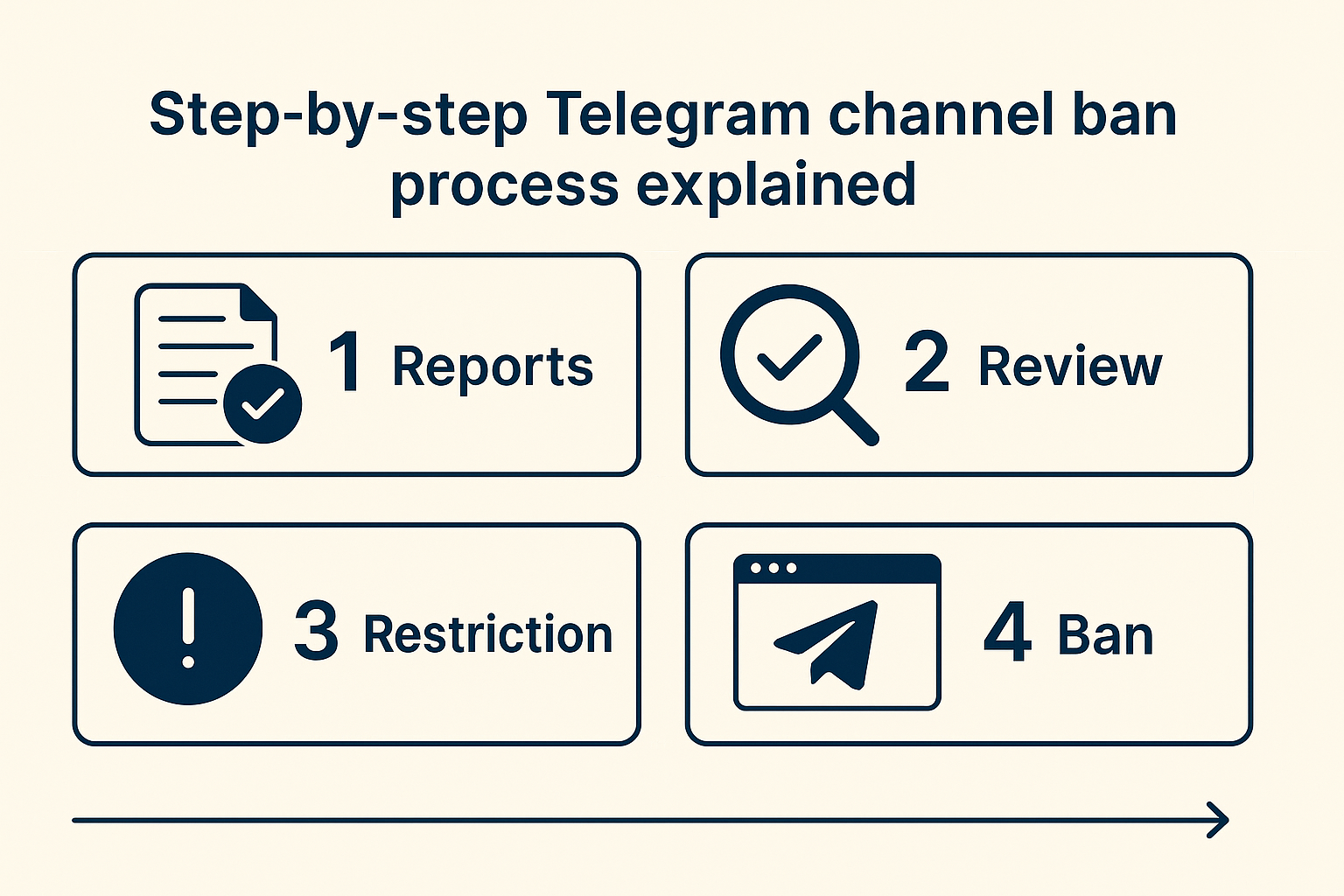
Put those three commands next to each other and the consequence is unavoidable. Removing a bot removes that bot.
Whoever operates it keeps their own account, keeps @BotFather, and can register a replacement under a new username in about the time it takes to read this paragraph. Nothing about the removal touches the code, the server, the subscriber list or the operator. That is why a bot taken down on Monday is frequently answering again on Tuesday under a name one character different, and why readers conclude, wrongly, that their report was ignored.
Neither giving up nor filing more reports fixes that. Report the operator alongside the bot. A bot has an owner, that owner has an ordinary Telegram account subject to the ordinary rules, and the Bot Platform terms make the owner personally liable for what the bot does. The first time we handled a bot that had already been reskinned twice, we filed for the live username and sent a second email naming the two dead ones in the same thread, because the reskin pattern was the only evidence tying them to one operator. Reporting each username in isolation would have told a moderator nothing.
Bots built to generate sexual imagery are the clearest case of this respawn pattern, and we treat them separately in reporting deepfake bots.
Why does "anti-ban" describe a Terms violation rather than a feature?
Because Telegram wrote the clause that the feature breaks. The Bot Platform Developer Terms, at section 5.2(f), say a third-party application "must not attempt to circumvent or otherwise undermine Telegram rate limits and moderation." Circumventing moderation is the entire product description of a telegram dm bot with anti-ban. The selling point and the prohibited act are the same sentence.
Consequences are written down as well. Section 5.4 allows for "immediate and permanent ban of your TPA and your account from the Telegram platform", and section 10 states that failing to comply "may result in a temporary or a permanent ban from Bot Platform". Your account, not just the tool you bought.
| What the tool is sold as | What Telegram's rules say |
|---|---|
| Account rotation across many sessions | Limits follow reports from recipients, and the FAQ names "unsolicited advertisements, links, invite links to groups or channels, random photos" as what people report |
| Interval throttling to look human | The trigger is the outreach pattern: "Telegram's username search is not a tool for making new friends" |
| Device simulation and proxy pools | Supergroups also run server-side native antispam that no client setting reaches |
| "Anti-ban" as a headline feature | Section 5.2(f) names circumventing moderation as prohibited conduct |
One correction worth making, because it sends people to the wrong page. Searching telegram bot anti-ban mostly returns defensive bots for group admins, the CAS-style blocklists and moderation bots you add to your own supergroup to keep spammers out. Those are protective tools and entirely legitimate. The spam-side products sit behind the longer phrase, and the two get conflated constantly.
Mass reporting reaches neither a bot nor a number
A telegram mass report tool sells volume, and volume is not the variable. Moderators review what a report contains. A telegram mass reporter firing the same empty complaint from fifty sessions produces fifty weak reports, and coordinated bursts are exactly the pattern platforms learn to discount. Against a bot the instrument is wrong twice over, because the bot can be replaced faster than any report queue moves.
What a telegram mass report tool actually buys you
Panels that promise to get telegram user banned, or that describe themselves as a telegram mass reporting service, are selling the appearance of leverage. We have looked at what the honest ceiling is in how many reports it actually takes, and the short version is that no published threshold exists because there isn't one. A genuine telegram removal service is doing evidence work, not volume work, and whether you need one at all depends on whether your case has documentation behind it. Where money has already moved, start with the fraud reporting route instead.
What happens when you report a Telegram channel or group?
It goes to a human queue, and you will not hear back. Telegram's moderation page publishes running totals rather than case updates: as of 18 September 2026 it showed 25,940,590 groups and channels blocked this year, including 412,161 for child abuse material and 176,640 for terrorist content. Those counters had read 24,954,438 on 7 September, so roughly a million objects were blocked in eleven days. What no counter shows is your individual report, which is the receipt people keep looking for and never find.
For one category of reporter, Telegram does publish outcomes. Its safety page lists content blocked after referrals from trusted flagger organisations: 11,313 items in the first half of 2024, 32,874 in the second, 12,675 in the first half of 2025 and 16,965 in the second, credited to four named bodies including the Internet Watch Foundation. Nothing equivalent exists for an individual filing, and that asymmetry is the whole explanation for the silence after you press Report.
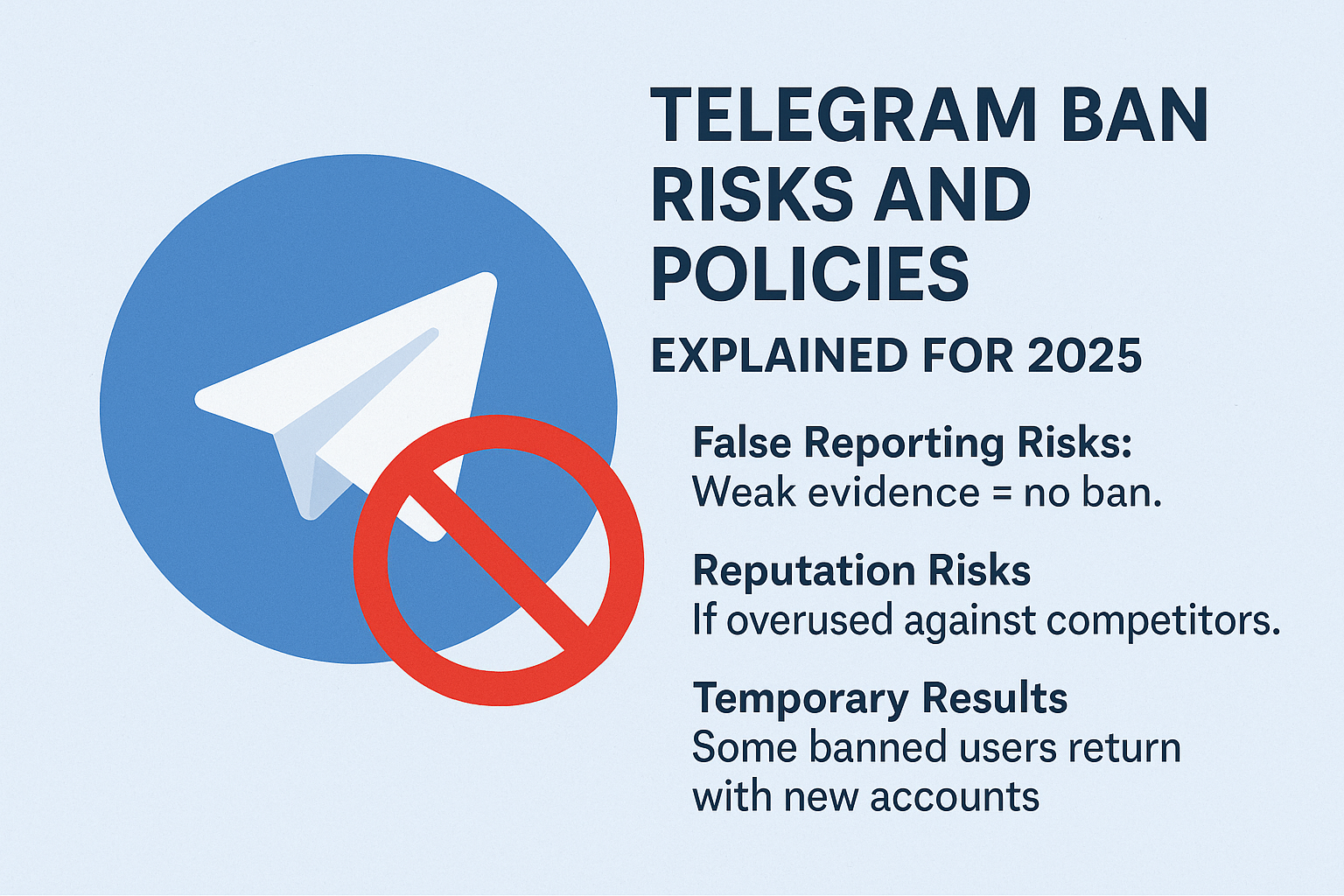
A telegram channel ban and a telegram group ban follow the same review, and the object has to be public for the review to happen at all. Telegram's FAQ draws that boundary under its copyright answer: "Private groups and chats on Telegram are private amongst their participants. We do not process any requests related to them." Inside a telegram group, report spam and leave sends the recent messages along with your exit, which is the one report that carries context automatically.
Pick the reason honestly. A telegram report group case filed under the wrong category gets read against rules that do not apply to it, and a telegram report illegal content filing is a materially different queue from a nuisance complaint. The spam-specific controls are worth knowing before you use the generic ones, and reporting a group or channel covers the per-platform steps. If the account is running a scam rather than breaking a content rule, checking it first will usually change what you file.
Banning someone from your own group is an admin action, not a report
Nobody at Telegram is involved. When you ban a member of a group you administer, you are writing a set of restriction flags against that one person in that one chat, and Telegram's API reference lists them individually: view_messages, send_messages, send_media, invite_users, pin_messages and an until_date among others. That scope never leaves the chat.
People phrase this query a dozen ways and mean the same thing almost every time. The table is the disambiguation, because the phrasing genuinely does not signal the intent.
| How people search it | What they almost always mean | Where it happens |
|---|---|---|
| How to ban someone in telegram | Remove a member from a chat they run | Group settings, admin rights |
| How to ban someone from telegram group | Remove and blacklist a member | Members list, Remove from group |
| How to ban someone in telegram group | Same action, different phrasing | Members list, Remove from group |
| How to ban someone on telegram group | Same action again | Members list, Remove from group |
| How to ban someone from telegram channel | Remove a subscriber or a commenter | Subscribers list, Remove |
| How to ban someone on telegram channel | Same action, usually about comments | Discussion group permissions |
| Ban someone Telegram will not act on locally | A platform-side ban, needing a report | Report button or abuse@telegram.org |
Only the final row needs Telegram. The rest are settings you already control, and reporting a member you could simply remove wastes a moderator's time and your own. The ban-versus-restrict-versus-block distinction is set out at more length in our page on report services.
How do you get a Telegram channel or group taken down?
With documentation, through the route that matches the violation. Searches for how to take down telegram channel split awkwardly: a good half are owners wanting to delete something of their own, and the other half want somebody else's channel gone. The phrase how to take down a telegram group leans further still toward deletion of your own group, which is a settings menu rather than a report.
What a telegram channel takedown needs before you file
For the genuine third-party case, a telegram channel takedown needs the channel to be public, the violation to be nameable against a specific rule, and the evidence to exist before you file. Queries like how to get a telegram channel taken down and how to get a telegram group taken down land on the same three requirements. Copyright goes to dmca@telegram.org, illegal public content to abuse@telegram.org, and impersonation of you personally to @NoToScam, whose scope Telegram's FAQ limits to exactly that: "If a scammer is pretending to be you, contact @NoToScam".
Readers in the European Union have a fourth route. Telegram's DSA statement records that as of August 2026 its services had significantly fewer than 45 million average monthly active recipients in the EU, which keeps it below the very-large-platform tier. Its notice form sits at telegram.org/dsa-report. That route asks for your name and a reasoned explanation of why the content is illegal, so it is slower than the Report button and harder to ignore.
Telegram Ban Service files the report, writes the evidence into a form a moderator can act on quickly, and escalates where a route allows escalation. What we cannot do is decide the outcome, and no service that tells you otherwise is describing how the platform works. If you are removing something of your own, deleting a channel is the shorter path; for third-party removals, the route-by-route breakdown is more detailed than this section, and extortion or counterfeit-goods cases have their own escalation in reporting extortion and counterfeit sellers.
If you take one thing from this page, take the reporting order for bots: capture the evidence, report the bot, then report the operator's account in the same filing. Reporting the bot alone is the step everyone completes and the step that, on its own, changes the least.
Sources
- Spam FAQ (telegram.org): number reputation from previous owners and VOIP numbers, limit duration, @SpamBot appeals and what users report (retrieved 18 September 2026)
- Translations platform: the English source string for error_PHONE_NUMBER_BANNED, naming login@telegram.org (retrieved 18 September 2026)
- Translations platform: the Android login string BannedPhoneNumber (retrieved 18 September 2026)
- Bot documentation: @BotFather, the /newbot and /token commands, token format and /deletebot (retrieved 18 September 2026)
- Bot Platform Developer Terms: sections 5.2(f), 5.4 and 10 on circumventing moderation and permanent bans (retrieved 18 September 2026)
- Telegram FAQ: abuse@telegram.org and dmca@telegram.org scope, the @NoToScam impersonation route and the private-chat boundary (retrieved 18 September 2026)
- API reference: chatBannedRights flags and the per-chat scope of an admin ban (retrieved 18 September 2026)
- Moderation page: 2026 blocking counters (retrieved 18 September 2026)
FAQ
Why is my phone number banned when I have never used Telegram?
Most likely its previous owner did. Telegram's Spam FAQ says some numbers trigger an unusually harsh automatic response either because of what previous owners did with them, or because they are virtual or VOIP numbers. A recycled SIM inherits that history, and the refusal happens at registration.
Can I register Telegram with a different number if mine is banned?
Yes. A different number registers a new account normally, and that is what most people end up doing. It does not recover the old account, its chats or its username. If you want the original number cleared instead, the address Telegram's own error string gives is login@telegram.org.
How long does a Telegram limit last, and can it be lifted early?
Telegram says a first offence usually limits an account for a few days or so, and appeals go through @SpamBot. Asking for an early release has a published answer, which is that it is impossible. A limit is also not a ban, and the two are appealed differently.
Does reporting a Telegram bot stop the developer behind it?
No. A removal ends that bot username only. The operator keeps their own account and their access to @BotFather, so a replacement token takes about a minute to issue. Report the owner's account alongside the bot, in the same filing, or the pattern stays invisible to a moderator.
Can a banned Telegram bot come back under the same username?
Not while the ban stands, though a deleted bot is a different case. Telegram's documentation says the /deletebot command frees the bot's username, so an operator who removes their own bot releases that handle for reuse. Most respawns simply appear under a new username instead.
Do I need to worry if I was in a Telegram group that got banned?
Membership alone is not an enforcement action against you. Blocking lands on the group object, and ordinary members keep their accounts. What can follow you is your own posting history inside it, because messages you sent remain attributable to your account.
Are virtual and VOIP numbers more likely to be refused?
Telegram names them explicitly as a category that can draw a harsher automatic response at signup, alongside numbers carrying a previous owner's history. It is a risk factor rather than a rule, so some VOIP numbers register without issue while others are refused outright.
Does banning someone from my group report them to Telegram?
No. An admin ban writes restriction flags against that person in that one chat, and Telegram's moderators never see it. If the behaviour breaks platform rules rather than just your group's, you have to file a separate report from their profile or by email.